First-time admin setup
Create the organization, invite core users, and confirm role access before teams start work.
Experience what is possible with ComMicPlan through a curated series of tutorials.
Follow the full setup path from account registration through organization, project, form, user, and assignment work.
Open tutorial
Create a project inside the organization, connect forms, and prepare the workspace for field activity.
Open tutorial
Create forms from scratch or XLSForm, then build a complete questionnaire with data types, options, logic, constraints, groups, repeats, cloning, preview, validation, and save.
Open tutorial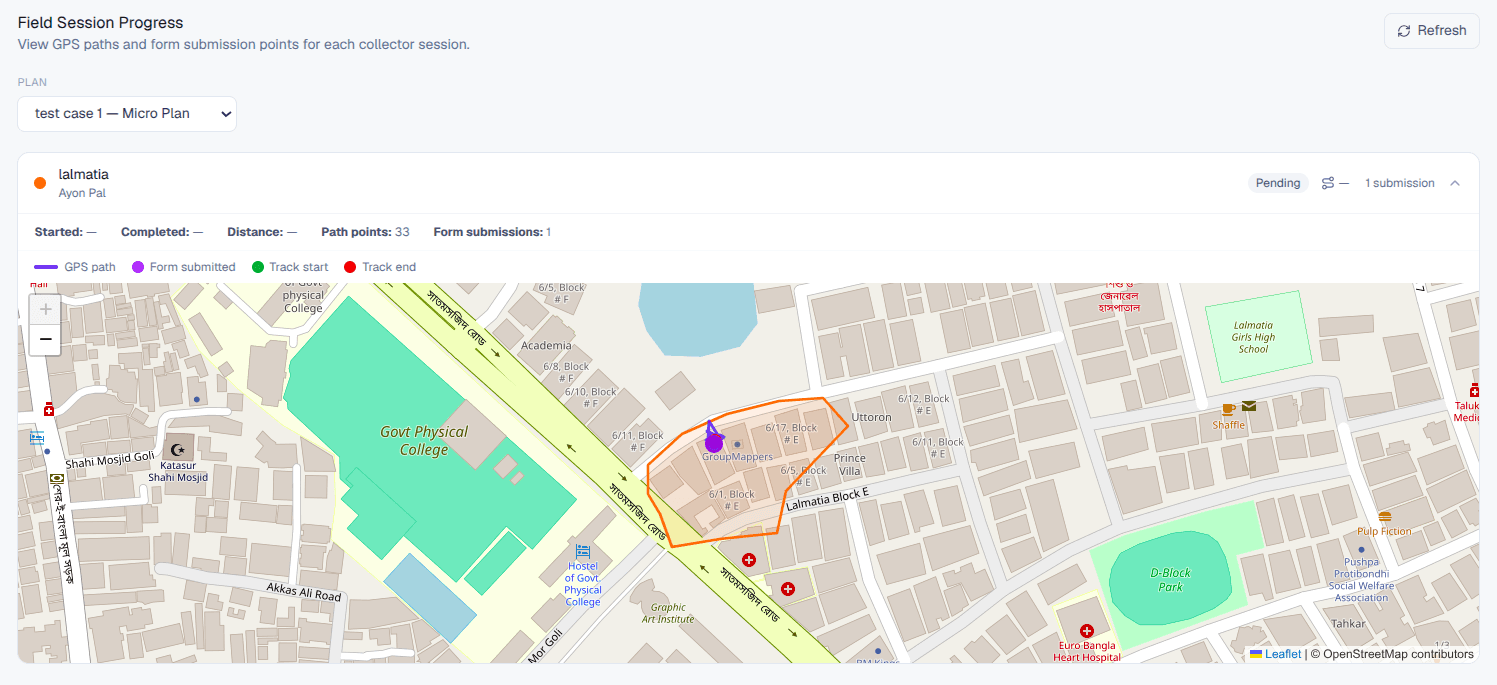
Enable microplanning, create or import geographic areas, assign field users, manage boundaries, and monitor progress from the overview dashboard.
Open tutorial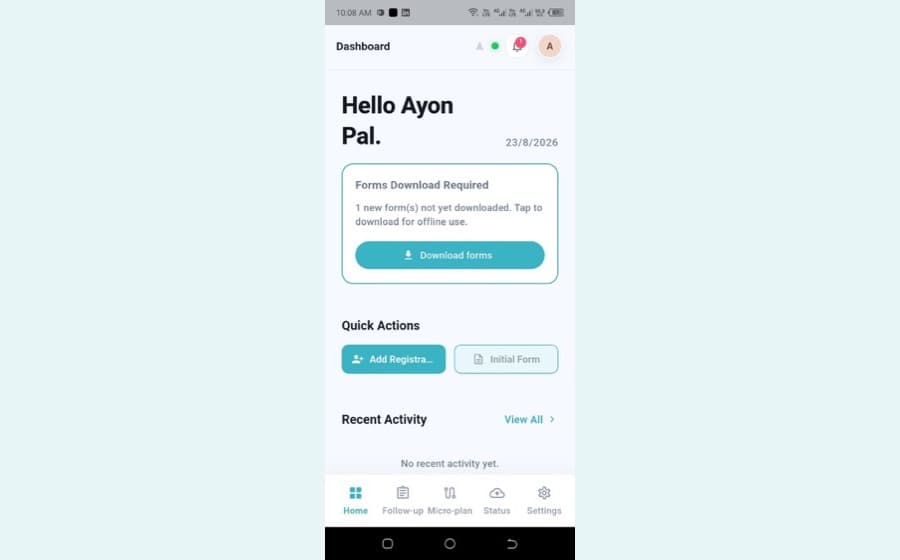
Log in, grant permissions, read the dashboard and navigation bar, add registrations with NID capture, work through follow-ups, track microplanning areas, and check status and settings.
Open tutorialFind answers and information so you can complete your projects.
Short resource videos for setup, forms, mobile collection, and data review.
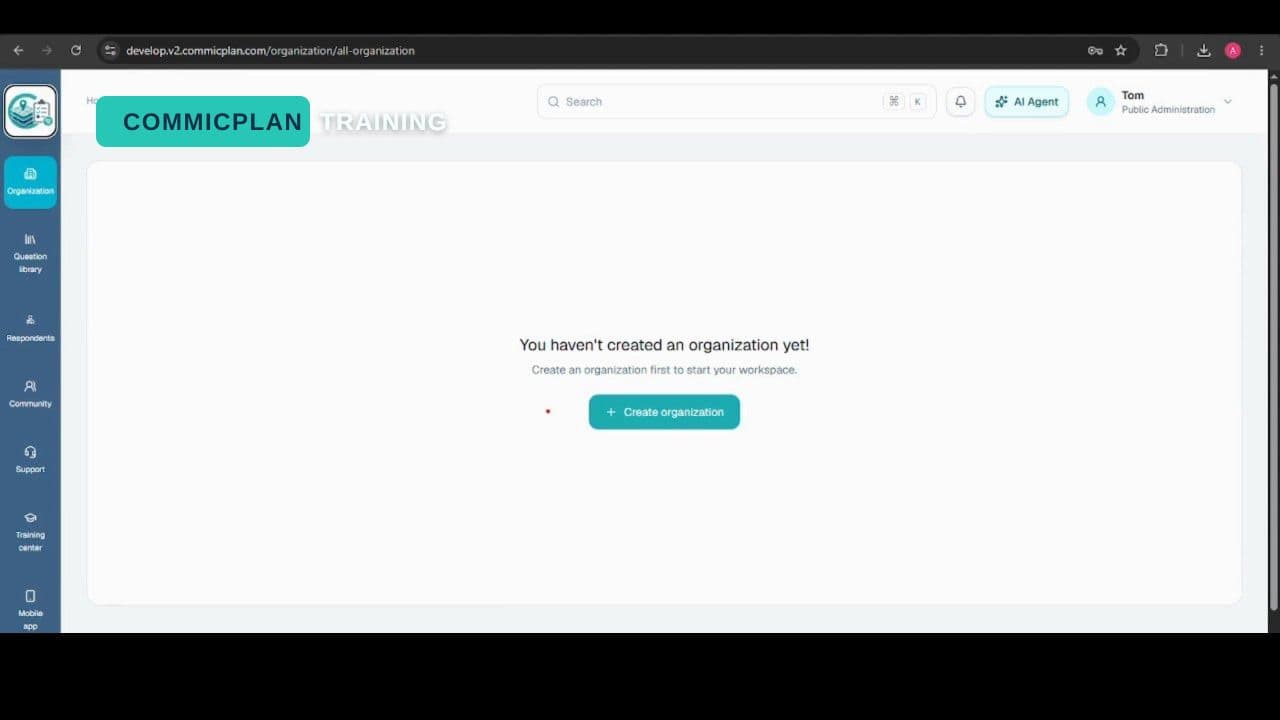
Create an organization and prepare it for projects, users, and training workflows.
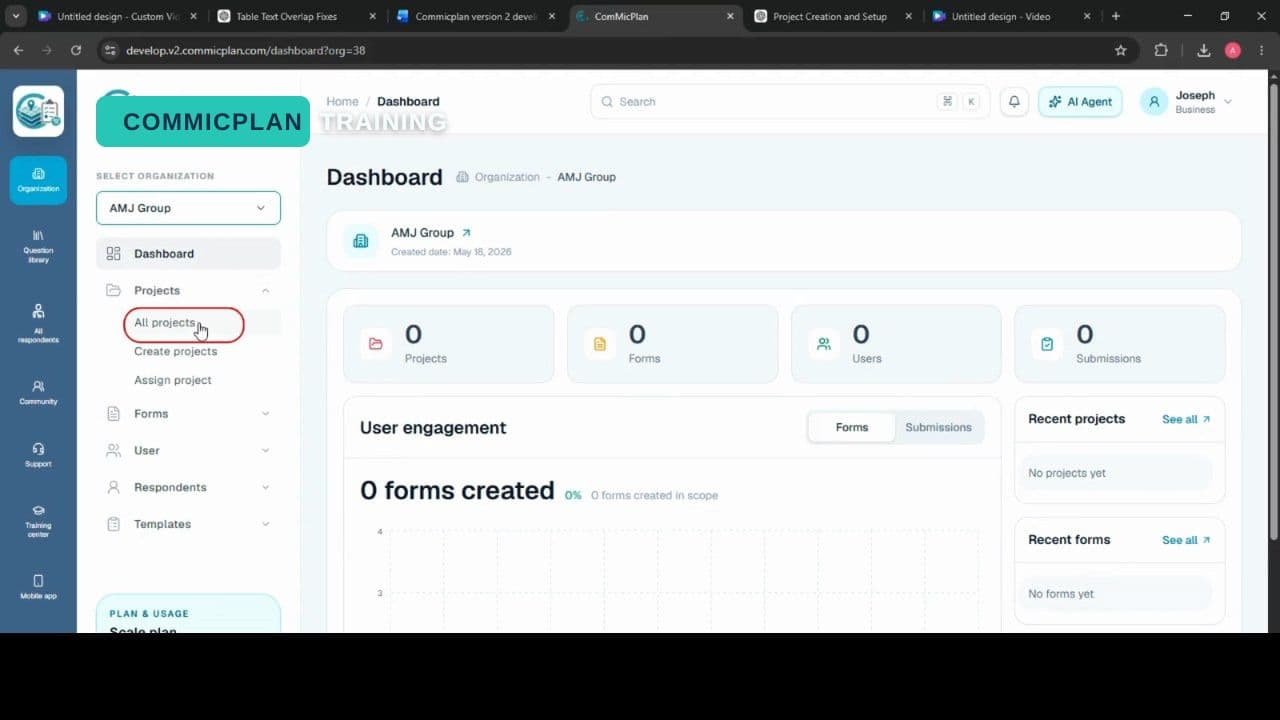
Create a project, connect it to an organization, and prepare the workspace.
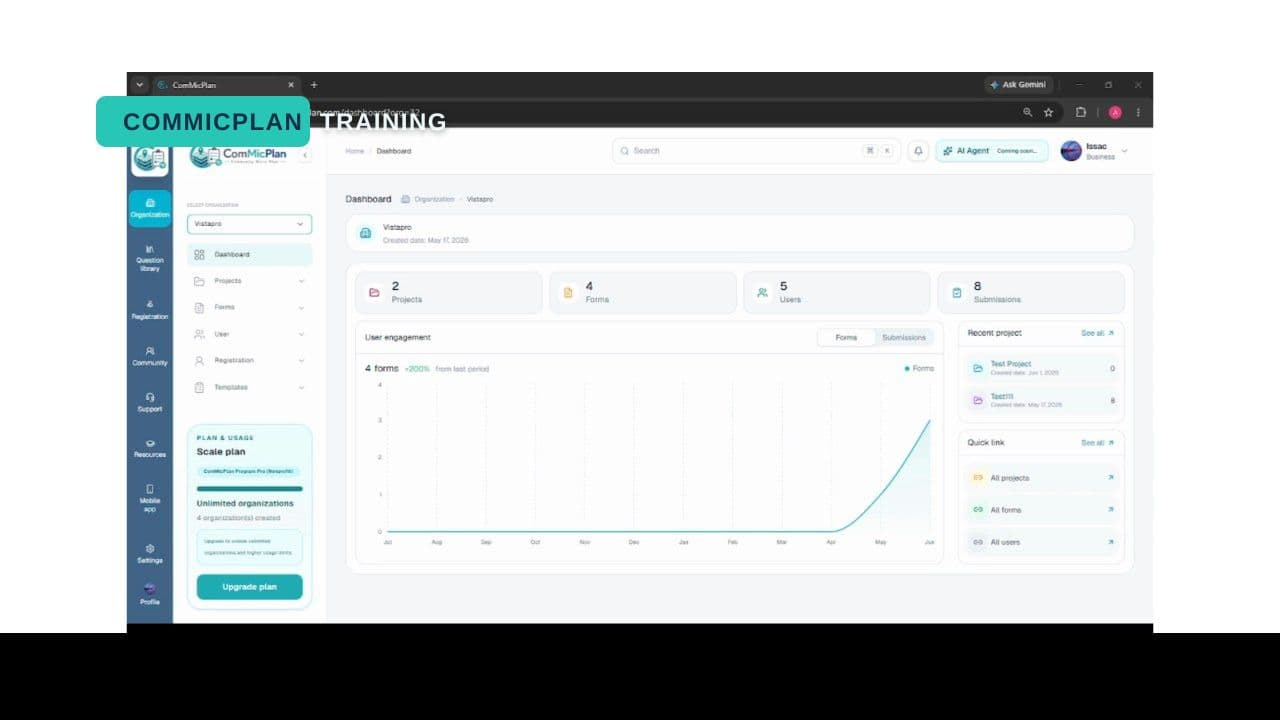
Assign project access so team members can work with the right project materials.
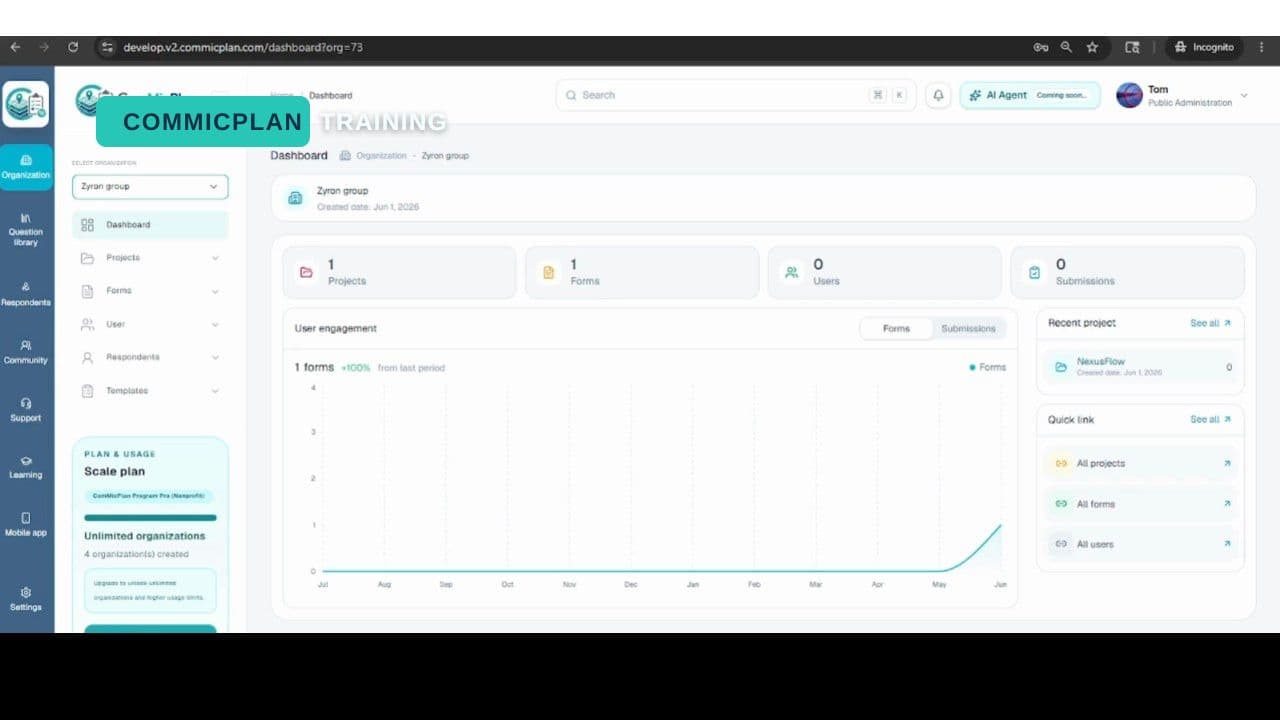
Create users and prepare account access for your ComMicPlan resources workflow.
Simple setup references for admins, managers, and field teams.
Create the organization, invite core users, and confirm role access before teams start work.
Add organization details, select the active workspace, and review account limits.
Create a project, assign forms, add members, and prepare collection settings.
Browse learning areas by the way teams use the platform.
Navigation, workspace concepts, organizations, projects, forms, and respondent records.
Create projects, assign users, manage forms, and review project-level activity.
Build forms and questions, collect submissions, review data quality, and export reports.
Organization setup, user invitation, role management, mobile setup, and troubleshooting.